
All Guides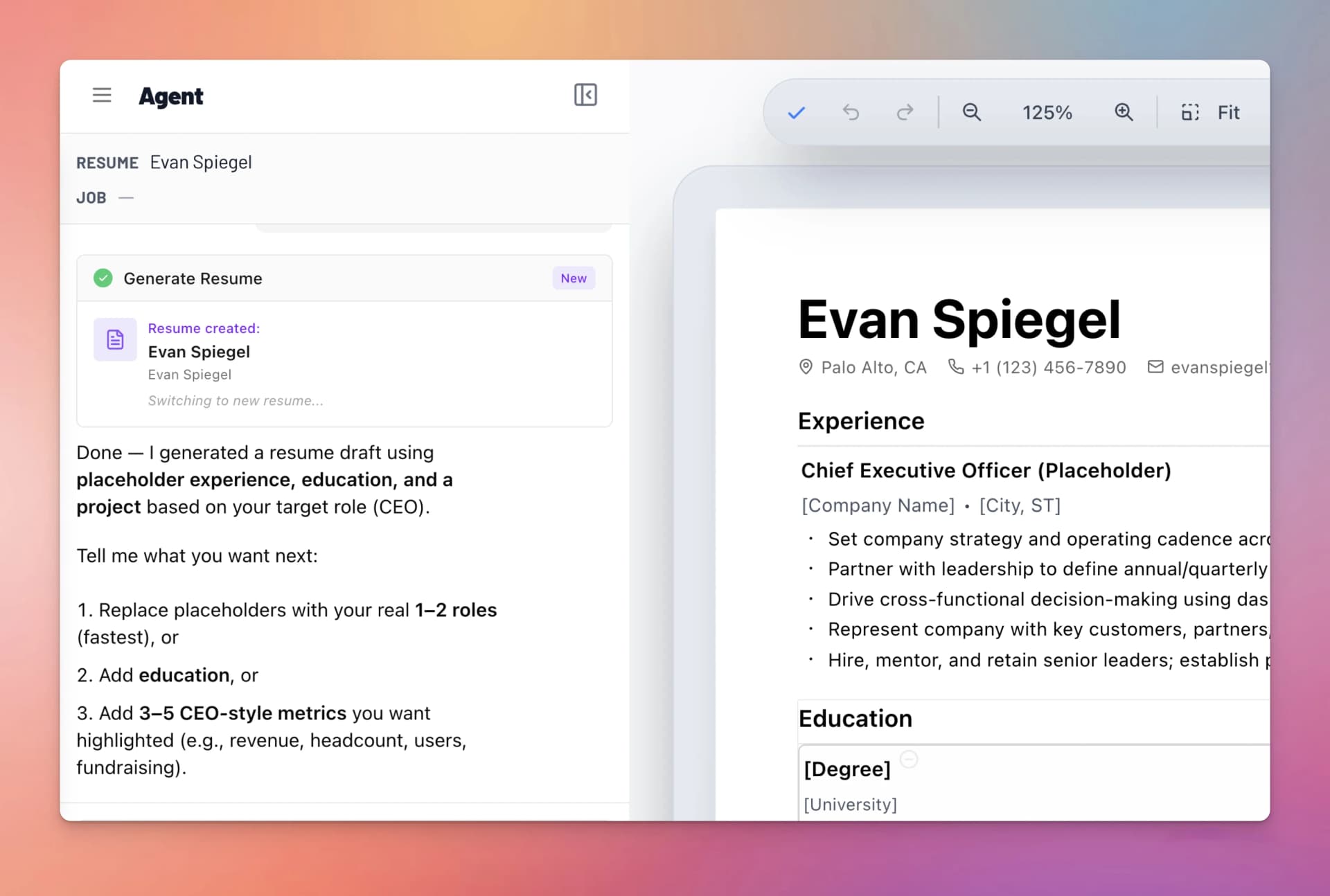
Starting an Application
When you find a job you want to apply for, Text2Resume creates a tailored copy of your resume tied to that role.
Two Ways to Start
From the Apply Panel
- Open a job in your Job Hub.
- Click Start Application.
- Select which base resume to use (if you have multiple).
- Text2Resume creates a fork — a copy of your base resume linked to this job.
- Start tailoring the forked resume for the role.
From Rezzy
You can also ask Rezzy directly: "Start an application for [job title]" or "Apply to this job." Rezzy will fork your resume and begin tailoring it automatically — rewriting bullets to match the job description, adding relevant keywords, and adjusting emphasis.
What Forking Means
A fork is an independent copy of your base resume. Edits to the fork don't affect your base, and edits to your base don't propagate to existing forks. You maintain one strong base resume and create targeted versions for each application.
Tailoring Your Resume
Tailor the fork for the role:
- Ask Rezzy to align your bullets with the job description
- Reorder sections to lead with the most relevant experience
- Add keywords from the job posting that genuinely reflect your skills
- Remove sections or experience that aren't relevant to this role
Application Statuses
Track where each application stands:
- Draft — You're still working on the tailored resume
- Submitted — You've sent the application
- Rejected — The company passed
- Accepted — You got an interview or offer
- Withdrawn — You decided not to proceed