
Browser Agent
An automated browser that fills job application forms using your resume data. Runs in a live view so you can monitor progress and intervene if needed.
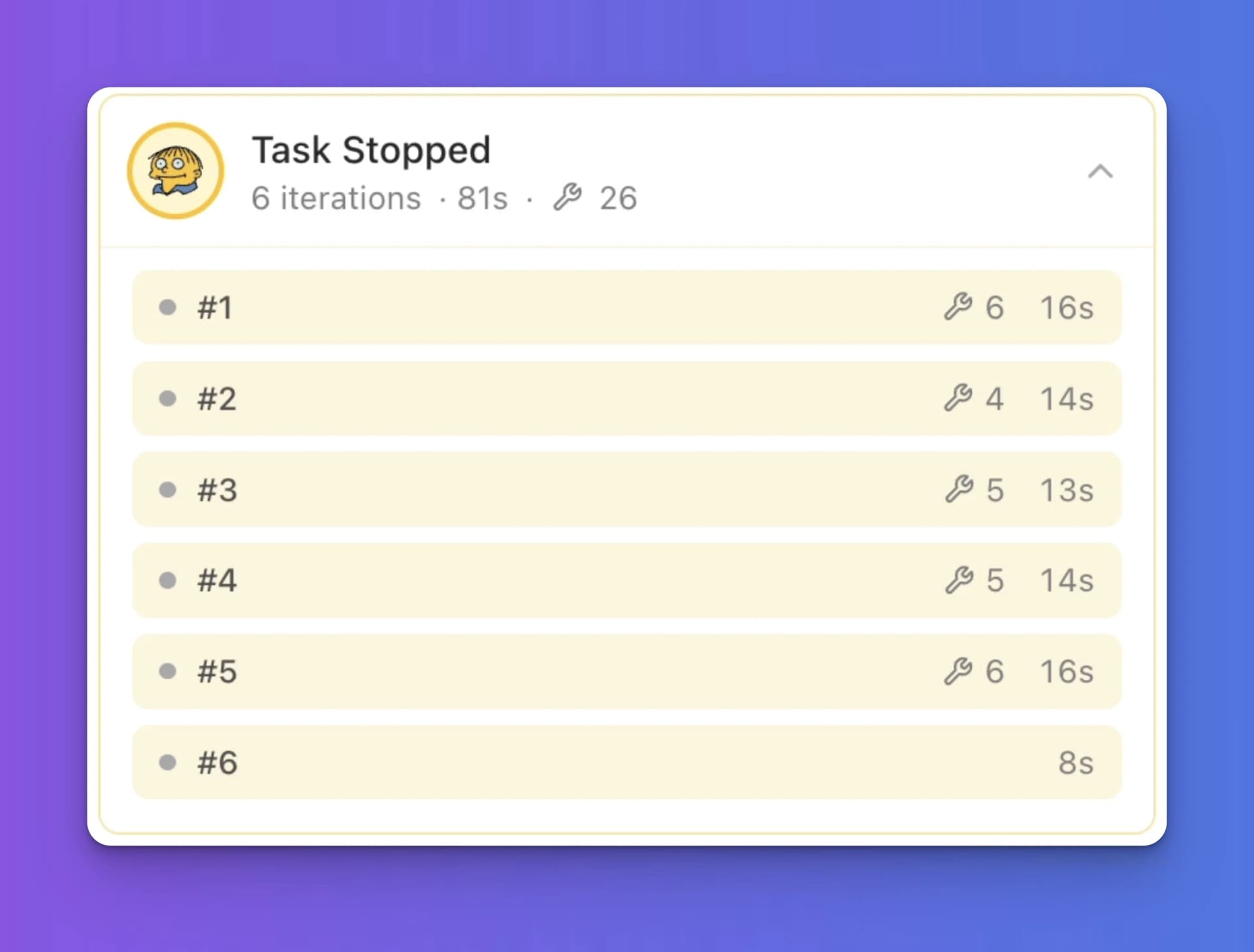
What the Browser Agent Does
The browser agent opens a real browser session and navigates to a job application page. It reads form fields, fills them with data from your resume, handles multi-step flows, uploads your PDF, and submits the application.
How to Start It
Two ways to trigger the browser agent:
- Ask Rezzy — Say "Apply to this job" or "Fill out the application for [company]"
- Apply panel — Open a job in the Job Hub and click the apply button
The agent needs a job URL and a resume to work with. If you haven't forked your resume for this job yet, it will create a fork automatically.
Live Browser View
A live view appears in the canvas area while the agent runs. You see every step as it happens: field selection, text entry, file uploads.
The Agent Workflow
- Open URL — The agent navigates to the job application page
- Snapshot fields — It identifies all form fields on the page
- Fill forms — It enters your information: name, email, work history, education, etc.
- Upload PDF — It uploads your resume PDF where the form asks for it
- Submit — When all fields are filled, it submits the application
When You Need to Step In
The agent pauses and waits for you when it hits something it can't handle:
- CAPTCHAs — The agent can't solve CAPTCHAs. Solve it in the live view and the agent continues.
- Two-factor authentication — If the application requires logging in and you have 2FA enabled, handle it in the live view.
- Custom questions — Some applications have free-text questions the agent isn't confident about. It pauses for your input.