
All Guides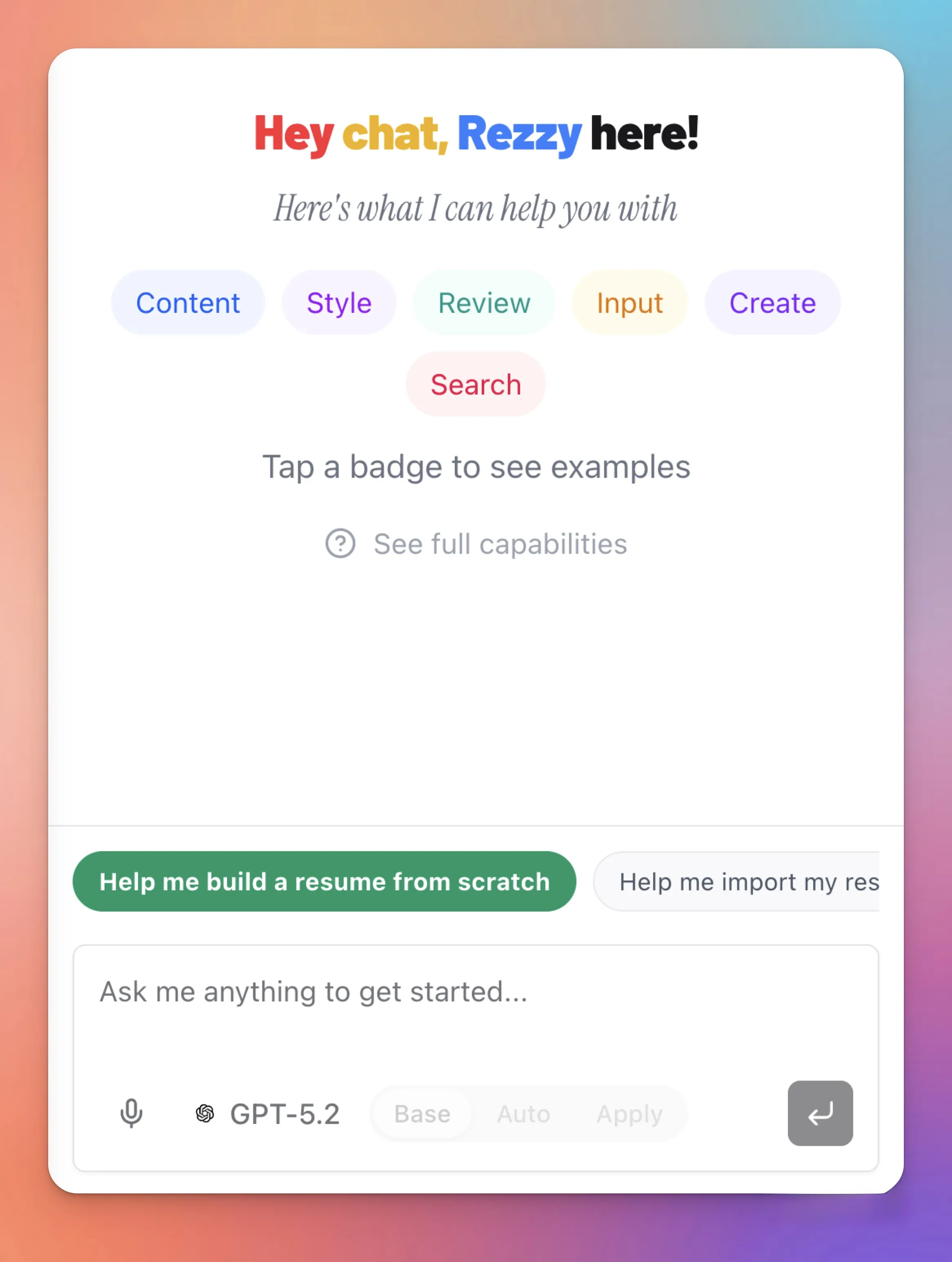
Resume Import
Four ways to get your resume into Text2Resume. Pick whichever fits your situation.
File Upload (PDF or DOCX)
The fastest path if you already have a resume file.
- Click the Import button on the home screen or from the menu.
- Drag and drop your file, or click to browse. Supported formats: PDF and DOCX.
- AI parses your document into structured sections — contact info, experience, education, skills, projects, and more.
- Review the parsed result on the canvas. Fix anything the parser misread by clicking directly on the text.
Parsing works best with standard resume formats. Columns, tables, and heavy graphics often require manual cleanup after import.
LinkedIn Import
Pull your profile data directly from LinkedIn without exporting a file.
- Choose Import from LinkedIn.
- Enter your LinkedIn username (the part after
linkedin.com/in/). - Text2Resume fetches your profile — headline, experience, education, skills, certifications.
- The data populates your resume sections automatically.
LinkedIn profiles tend to be wordy. After importing, ask Rezzy to tighten the bullets and remove filler.
Chat-Based Creation
If you don't have a resume yet, start a conversation with Rezzy and it builds one from scratch.
- Open a new resume and start chatting with Rezzy in the chat panel.
- Tell it about your background — job titles, companies, what you worked on, skills you have.
- Rezzy asks follow-up questions to fill gaps, then generates a full resume from the conversation.
- Review and refine. Ask it to adjust tone, add specifics, or restructure.
Starter Pack Templates
Role-specific starter templates are available for Product Manager, Visual Designer, Software Engineer, Data Scientist, and more. Each one provides a realistic starting point you can overwrite with your own experience.