
Share Your Resume With a Link
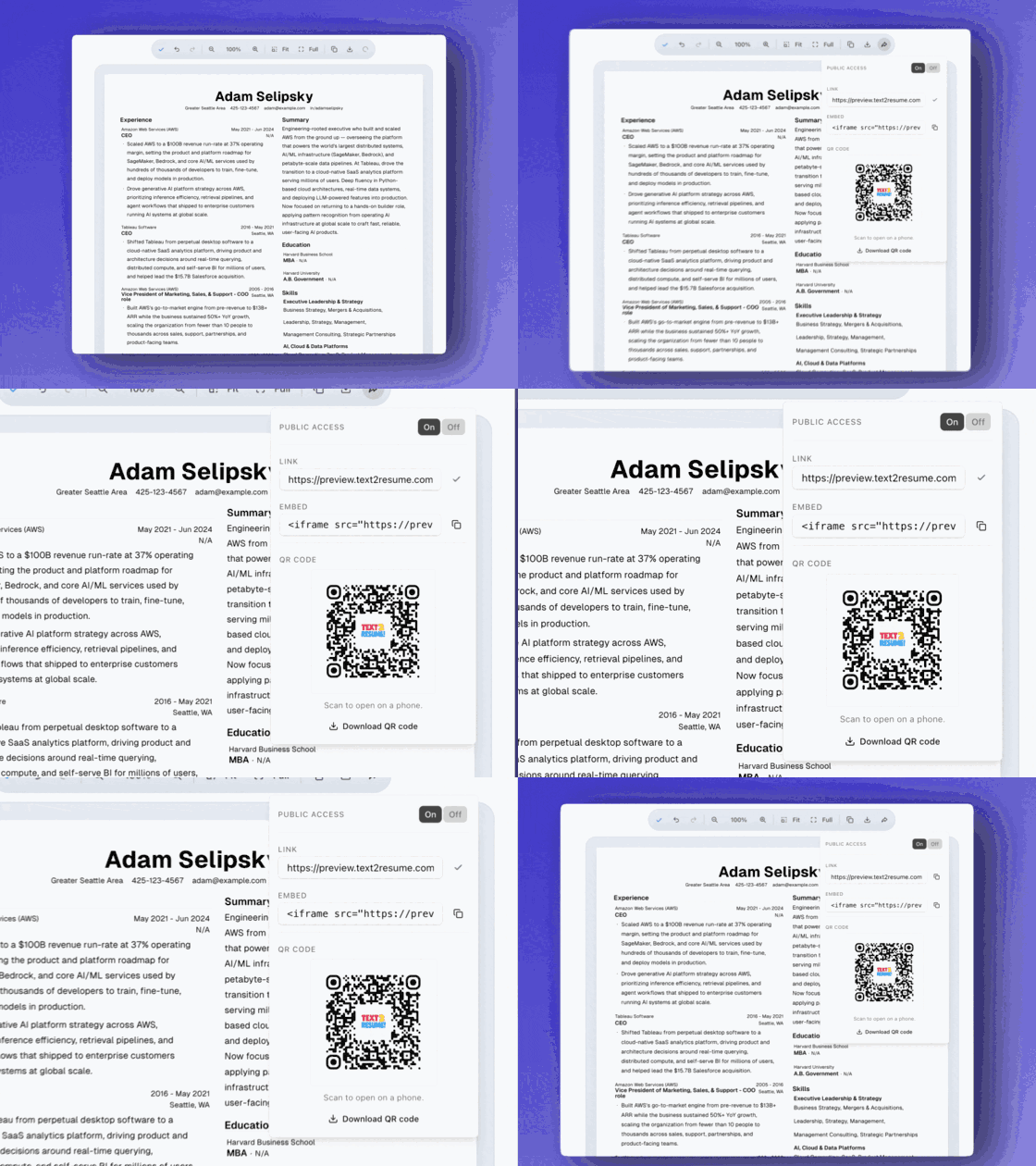
Every resume in Text2Resume now has its own public link. Send the URL to a recruiter and they open your resume in their browser, laid out exactly as you built it. No PDF attachment. No download. There's also a QR code if you'd rather they scan it.
The Attachment Problem
Sending a resume usually means attaching a PDF. The recruiter downloads it, opens it in whatever viewer their machine defaults to, and hopes the formatting survived. On a phone it's worse: a pinch-to-zoom dance through an email attachment. If you tweak a bullet the next morning, the version they have is already stale, and there's no taking it back.
A link fixes all of that. Send one URL in a message or a DM and the person on the other end sees your resume in their browser, with the same layout, fonts, and spacing you set in the editor. Open it on a laptop or a phone and it fits either screen.
How It Works
Open your resume in the builder and click the share icon. Text2Resume mints a public link and copies it to your clipboard. Paste it into an email, a LinkedIn message, or a text to a referral.
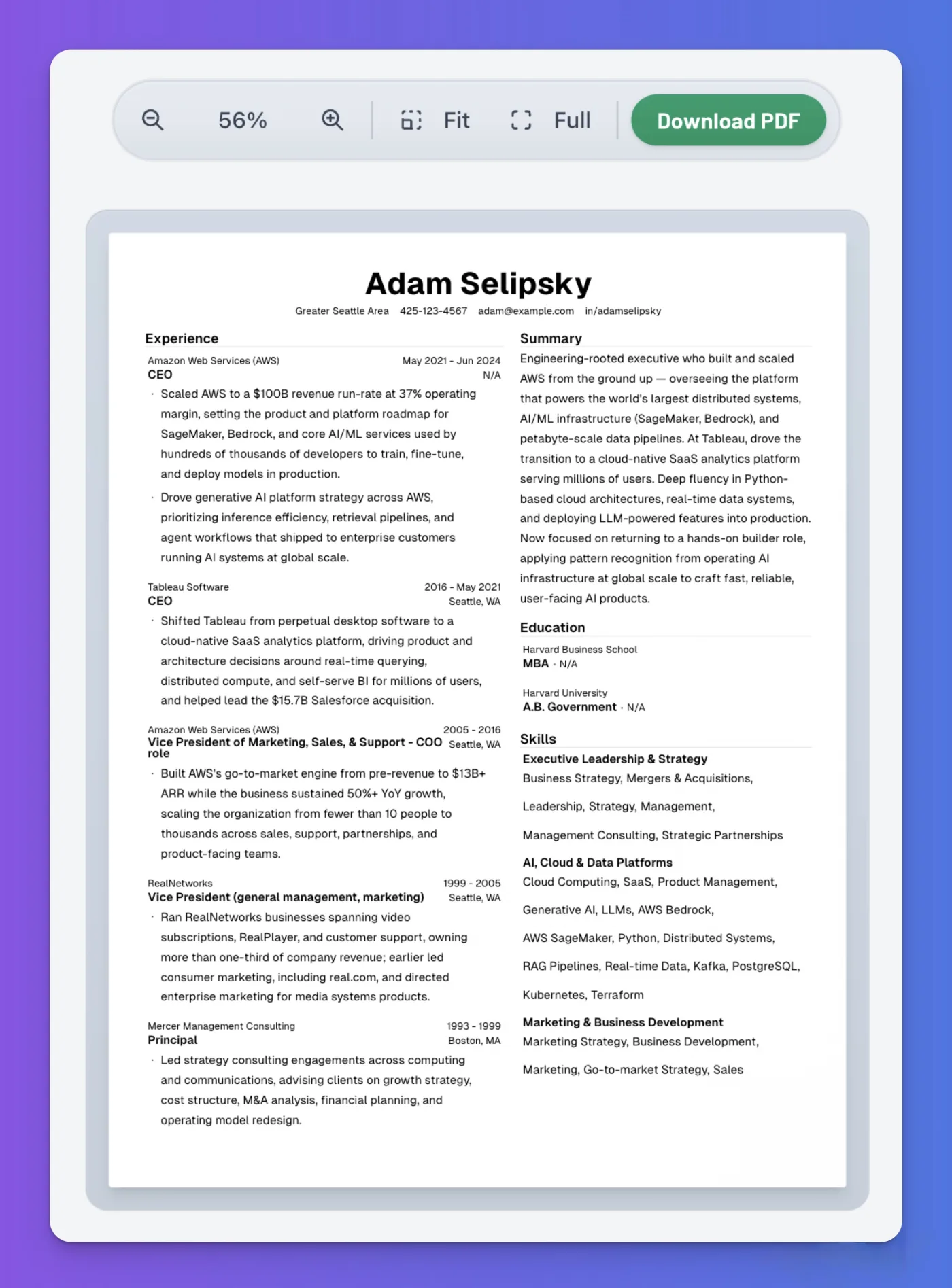
The link points at a clean, read-only page. No editor chrome, no sign-in wall for the viewer, no account required on their end. They land directly on your resume with a Download PDF button if they want the file. The page renders the exact version you pinned when you created the link, so it stays put even if you keep editing afterward.
Sharing is a deliberate switch, not a default. A public-access toggle turns the link on and off. Flip it off and the URL stops working, which is useful once a search wraps up, or any time you'd rather a link you handed out a month ago not keep resolving.
The QR Code
Every share link comes with a QR code, and it carries the Text2Resume logo in the center. Scan it with a phone camera and the resume opens. No typing, no fumbling with a long URL.
At a career fair or a meetup, when a conversation turns into "send me your resume," put the QR on your phone screen and let the other person scan it on the spot. Download a high-resolution PNG to drop into a portfolio or the last slide of a deck, or to print on a card. It points at the same link, so the on/off toggle controls it too.
Embedding It
Alongside the link and the QR code, there's an embed snippet. Copy the iframe and drop your live resume straight into a personal site or portfolio page. It renders inline with no screenshot to keep up to date, and the embed shows the same pinned version as the link.
Why This Matters
Most of the distance between having a good resume and getting the right person to read it is friction. Attachments, downloads, formatting that breaks on someone else's machine. You do the work once in the editor, and after that handing it off is a paste or a scan. We think that's an underrated way to spend the effort you already put into the resume itself.
Get a link for your resume
Build your resume, hit share, and send the URL. No attachment, no download. Just a link and a QR code.
Related Articles
From Text to Resume: Build a Full Resume From a Chat Conversation
Talk to Rezzy about your background and get a full, structured resume in the editor. No file to upload. No LinkedIn required.
Why Your Resume Needs a Name Attached to It
Find who's on the team and whether the job is worth your time with research tools powered by Exa AI's semantic search.